Essential Docker Commands: A Complete Cheat Sheet for Developers
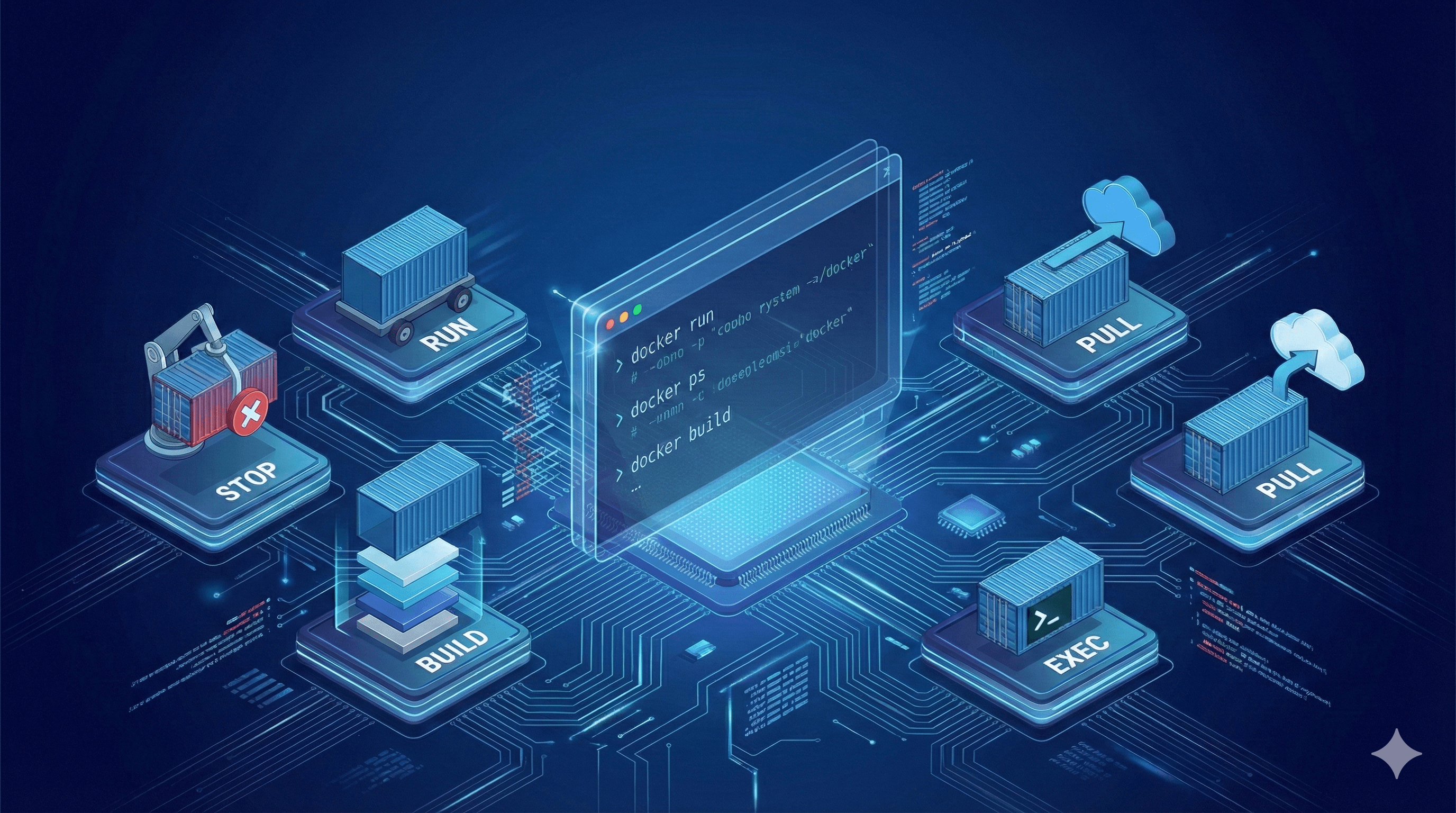
Docker Basics: Essential Commands with Examples for Beginners
If you’re getting started with Docker, knowing the basic commands is the first step to managing containers and images effectively. This guide covers the most common Docker commands, explains what they do, and provides practical examples to help you get up and running quickly.
Managing Docker Images
Docker images are the blueprints for containers. Here’s how to work with them.
1. docker images
Lists all Docker images stored locally.
Example:
docker imagesOutput:
REPOSITORY   TAG       IMAGE ID       CREATED        SIZE
nginx        latest    abc123def456   2 weeks ago    133MB
ubuntu       20.04     xyz789uvw321   3 weeks ago    72.8MB
2. docker pull
Downloads an image from Docker Hub to your local machine.
Syntax:
docker pull <IMAGE_NAME>:<VERSION>Example:
docker pull redis:alpine3. docker image rm
Removes a specific image from your local registry.
Syntax:
docker image rm <IMAGE_ID>Example:
docker image rm abc123def4564. docker rmi (alternative)
Same as docker image rm, but shorter syntax.
Example:
docker rmi abc123def456Managing Docker Containers
Containers are running instances of images.
5. docker ps
Lists only running containers.
Example:
docker ps6. docker ps -a
Lists all containers, including stopped ones.
Example:
docker ps -a7. docker run
Creates and starts a new container from an image. If the image isn’t local, Docker pulls it first.
Basic Syntax:
docker run <IMAGE_NAME>:<VERSION>Common Options:
--name <NAME>– Assign a custom name to the container.-p <HOST_PORT>:<CONTAINER_PORT>– Map a host port to a container port.-d– Run the container in detached (background) mode.-it– Run interactively with a terminal.
Example:
docker run --name my-web -p 8080:80 -d nginx:latestThis runs an Nginx container named my-web, mapping host port 8080 to container port 80, in the background.
Running and Stopping Containers
8. docker stop
Gracefully stops a running container.
Syntax:
docker stop <CONTAINER_ID_OR_NAME>Example:
docker stop my-web9. docker start
Restarts a stopped container.
Example:
docker start my-web10. docker restart
Restarts a running container.
Example:
docker restart my-web11. docker pause / docker unpause
Pauses or unpauses a running container without stopping it.
Example:
docker pause my-web
docker unpause my-web
12. docker kill
Forcibly stops a container (SIGKILL).
Example:
docker kill my-webInspecting and Interacting with Containers
13. docker logs
Shows the logs of a container.
Example:
docker logs my-webFollow logs in real-time:
docker logs -f my-web14. docker exec
Runs a command inside a running container.
Example:
docker exec -it my-web /bin/bashThis opens an interactive bash shell inside the my-web container.
15. docker inspect
Returns detailed information about a container or image in JSON format.
Example:
docker inspect my-webCleanup Commands
16. docker container rm
Removes a stopped container.
Example:
docker container rm my-webForce remove a running container:
docker container rm -f my-web17. Remove all stopped containers:
docker container prune18. Remove all unused images:
docker image prune -a19. Remove all images (forceful):
docker image rm -f $(docker images -aq)20. Remove all containers (forceful):
docker container rm -f $(docker ps -aq)Extra Useful Commands
21. docker build
Builds an image from a Dockerfile.
Example:
docker build -t my-custom-image:1.0 .22. docker tag
Tags an image with a new name or version.
Example:
docker tag my-image:latest my-image:v123. docker network ls
Lists all Docker networks.
Example:
docker network ls24. docker volume ls
Lists all Docker volumes.
Example:
docker volume ls25. docker-compose up
Starts services defined in a docker-compose.yml file.
Example:
docker-compose up -dConclusion
These Docker commands form the foundation of container management. Practice them regularly to build confidence in deploying, managing, and troubleshooting containers. As you advance, explore Docker Compose, Docker Swarm, and Kubernetes for orchestration.
Happy Dockering! 🐳